July 6th, 2026
New
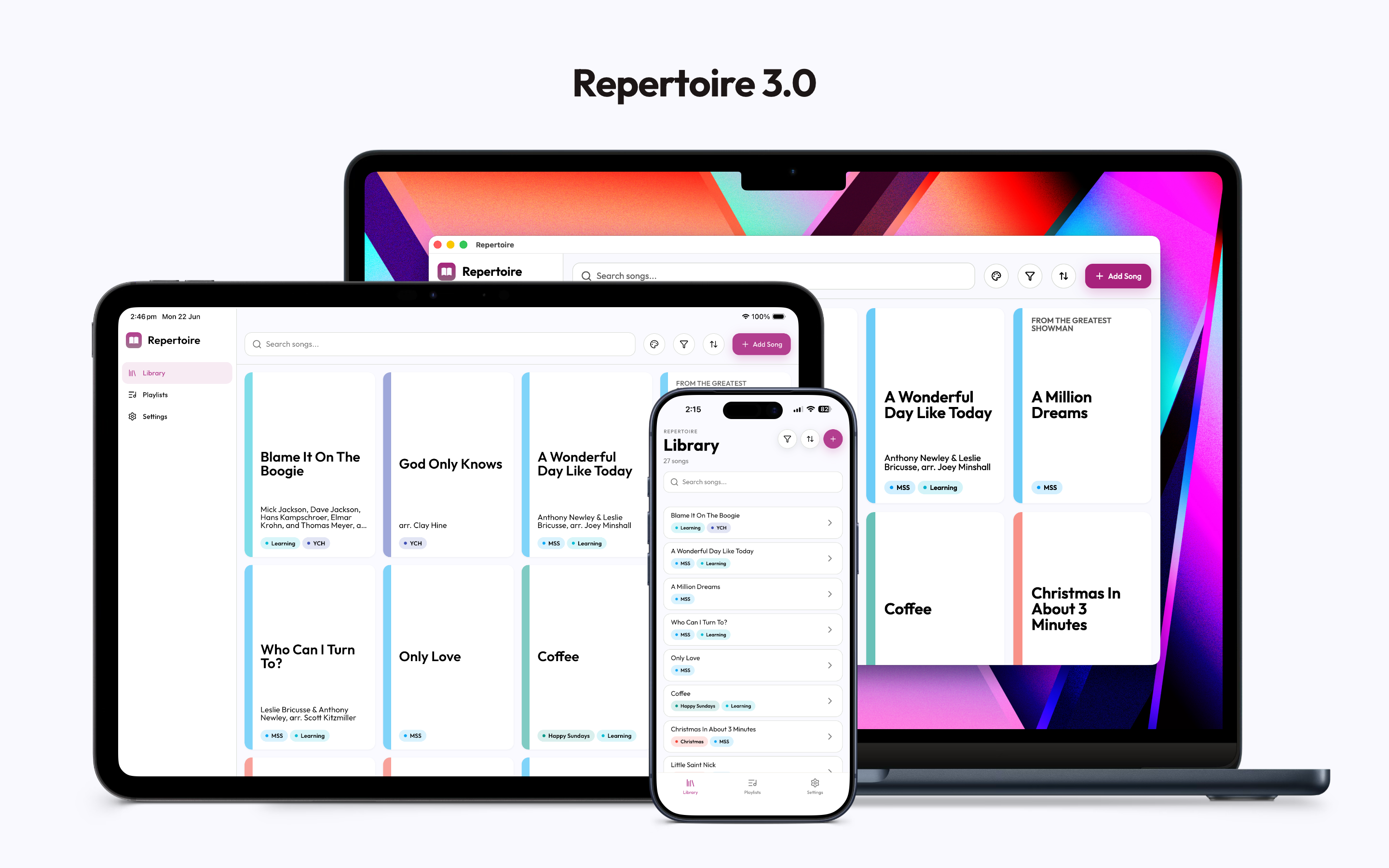
Version 3 is the biggest update to Repertoire since it launched. The entire app has been redesigned, and there are several major new features. Here's everything that's changed.
New design
Every screen has been rebuilt from scratch with a cleaner, more refined look. Typography, spacing, colour, and layout have all been overhauled. The app adapts to your display: a full sidebar layout on Web, Mac, iPad and tablets in landscape, and a streamlined tab-based layout on mobile.
Playlists
You can now create playlists that bring together audio tracks from across your library — learning tracks, backing tracks, or recordings. Arrange the tracks in whatever order you want, then play them back in sequence. Playlists are great for running through a set list, or listening on-the-go.
You can add tracks to a playlist from the Playlists tab or directly from a song's detail screen.
Practice mode
The practice screen has been significantly expanded.
Sheet music annotations — Draw directly on your sheet music with a pen tool. Choose your colour, adjust stroke thickness, use the eraser, and undo or redo changes. Annotations are saved automatically and synced across devices.
Audio track player — Improved audio track player with more reliable clip controls and stereo balance adjustment
Metronome, Tuner, pitch pipe, and recorder — All four tools are available in practice mode.
Screen stays on — The screen won’t dim or lock while you're in practice mode.
Set Lists
Set Lists are orderable lists of Songs. Great for keeping track of what you’ll be singing at performances or rehearsals.
Library
Sort — Sort your library by title, date added, or last viewed.
Labels — Organise songs with colour-coded labels. Filter your library to show only songs with a specific label.
Song details
Songs now store more information: key signature, tempo (BPM), composer, arranger, and subtitle, in addition to the existing notes field.
Attachments (sheet music, learning tracks, and recordings) can be renamed or deleted individually. You can also share a file from another app directly into Repertoire to attach it to a song.
Archive
Songs can now be archived to keep your main library tidy without permanently deleting anything. Archived songs live in a separate Archive screen, where you can restore them or delete them permanently.
Accessibility
Support for Dynamic Type (large text sizes) and VoiceOver has been improved throughout the app. Password fields now support autofill from iCloud Keychain and password managers.